 English
 日本語
日本語Wave Shredder

Perpetual License
70 USD (excl. tax)
1-year to Perpetual extension
52 USD (excl. tax)
Prerequisite
Wave Shredder 1-year license or Total Bundle 1-year license
Wave Shredder 1-year license or Total Bundle 1-year license
Orders will be reviewed manually.
Table of Contents
Overview
Wave Shredder is a collection of destructive processors: Rate Reducer, Zero-time Gate, Waveform Cut&Fold, Chopper and Bit Crusher.
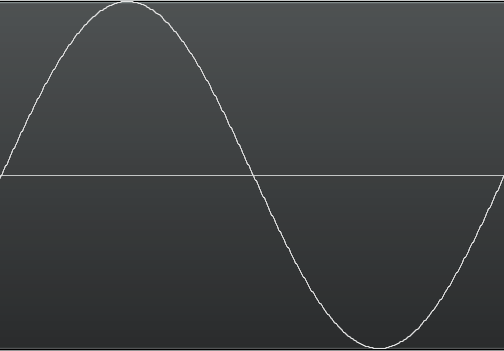
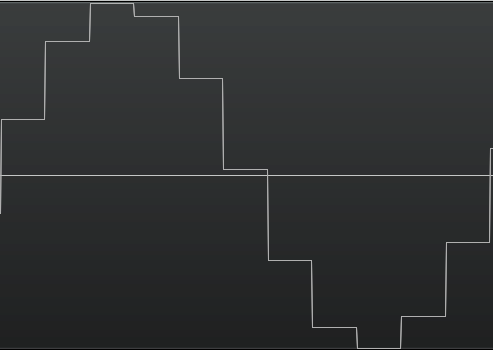
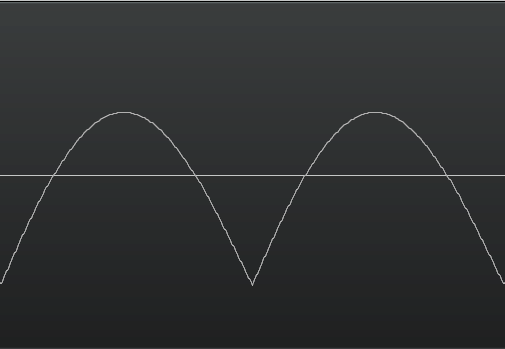
Rate Reducer is a zero-order hold rate reducer. Zero-time Gate makes input signal to zero immediately when the signal level falls the threshold. Zero-time Chopper plays the inverse of Gate. Cut&Fold section truncates under zero signal to zero, and in fold mode, the section put inverse truncated signal instead of truncation. Bit Crusher reduces signal’s resolution.
Processing Examples
Input Waveform
Rate Reducer
Gate / Zero Mode
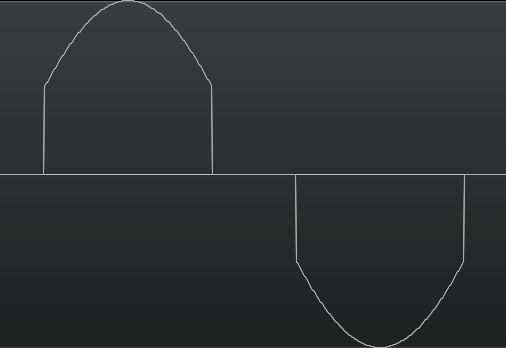
Gate / DC Mode
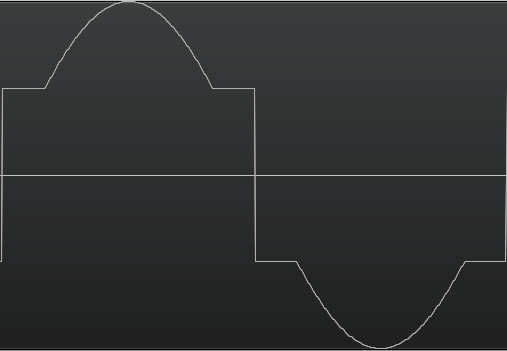
Chopper / Zero Mode
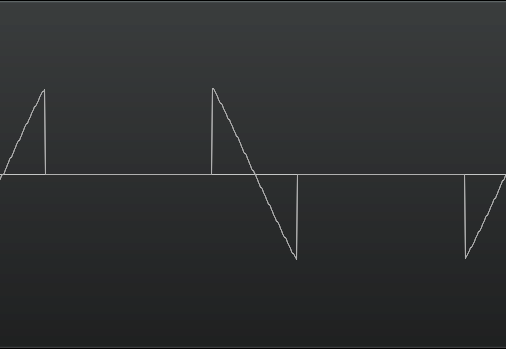
Chopper / DC Mode

Folding Up (full rectifier)
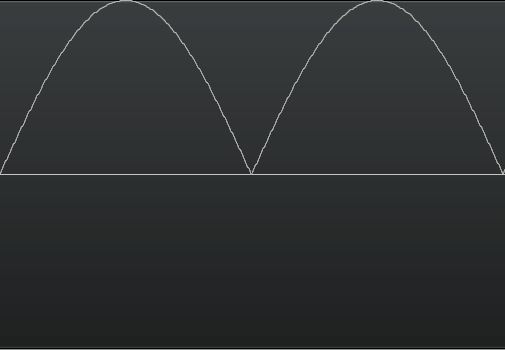
Remove Lower (half rectifier)
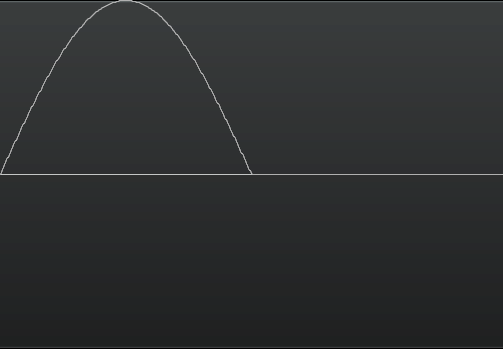
Bit crusher
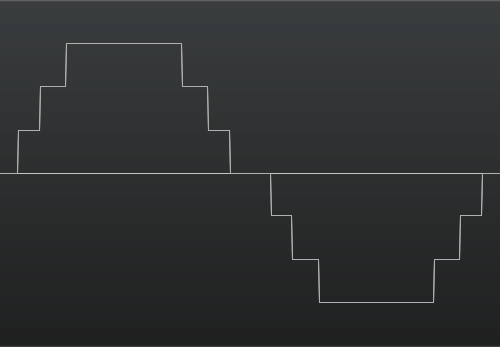
Folding + DC Cut
Screencast
Product History
- Version 1.16.2 (2023-04-17)
- Update GUI with Hi-DPI images.
- Add wavform display.
- Add low-pass filter.
- Version 1.15.3 (2022-09-09)
- CLAP plugin format is now supported.
- Version 1.11.4 (2021-03-15)
- Add AVX2 Installer.
- Version 1.6.0 (2013-09-27)
- AAX-Native is now supported.
- Version 1.4.0 (2012-11-21)
- Support Windows VST 64bit.
- Support Mac OS X VST and Audio Unit.
- Version 1.3.0 (2011-05-04)
- Initial release.
Common Specifications
System Requirements (Windows)
CPU
x64-compatible CPU
Operating System
- Windows 11 24H2
- Windows 11 25H2
- Windows 11 26H2
Supported Plugin Format
VST2, VST3, AAX-Native, CLAP
Supported Hosts
System Requirements (Mac)
CPU
Intel / Apple Silicon
Operating System
- macOS Ventura 13
- macOS Sonoma 14
- macOS Sequoia 15
- macOS Tahoe 26
- macOS Golden Gate 27
Supported Plugin Format
VST2, VST3, Audio Unit, AAX-Native, CLAP
Supported Hosts
Common Features
- Supports 44.1k - 384kHz Sample Rate
- 64-bit Floating-point Internal Precision
- Latency Compensation
- Factory Preset
- User Preset
- Snapshot
- Undo/Redo
- Reset to Default